Bronze Application Management
The Department of Basic Education’s Mass Registration Drive, also known as Bana Pele, is facilitated through the eCares platform. This module allows ECD programmes to create an eCares profile and obtain Bronze registration status.
The content is protected for Department of Basic Education Officials only.
Please contact the eCares Systems Administrator (litsoane.t@dbe.gov.za) to request a password.
Incorrect password. Please try again.
Bana Pele will pull every ECD programme into the regulatory net, and support ECD programmes in all communities to comply with legal requirements, specifically ensuring that all staff working in ECD programmes are checked against the National Child Protection Register. The eCares digital platform will ensure this process happens quicker and easier than using paper documents.
Every ECD programme will move through three stages:
1
Apply
The ECD programme submits an application through an online form or WhatsApp Bot and receives an initial Bronze certificate.
2
Comply
The ECD programme receives site visits to check that they comply with the norms and standards, and submits remaining documentation.
3
Complete
The ECD programme receives a Silver or Gold certificate if they satisfy all registration requirements.
This eCares module facilitates Stage 1 of the process, Apply. The goal of this stage is to get every ECD programme registered onto eCares. ECD programmes that complete the APPLY stage receive a Bronze certificate for one year, in which time the ECD programme must complete Stage 1 and 2.
The platform can be used by Applicants (individuals registering and applying for ECD programmes), Department of Basic Education (DBE) Reviewers (individuals reviewing applications), DBE Approvers (individuals approving applications), and DBE Administrators (individuals generating certificates).
Bronze Application Management
Resources
| Title | File Type | Link |
|---|---|---|
| Bana Pele Briefing for NGOs | Document | |
| Consolidated norms and standards for ECD programmes | Document | |
| How do I apply? | Image | |
| How to address requested corrections and resubmit | Video | |
| How to address requested corrections and resubmit | Document | |
| How to apply steps 1 3 | Video | |
| How to apply steps 4 5 | Video | |
| How to apply steps 6 7 | Video | |
| How to apply steps 12 13 | Video | |
| How to register as a new applicant on the eCares platform | Video | |
| How to reset your password | Video | |
| What documents do I need to apply? | Image | |
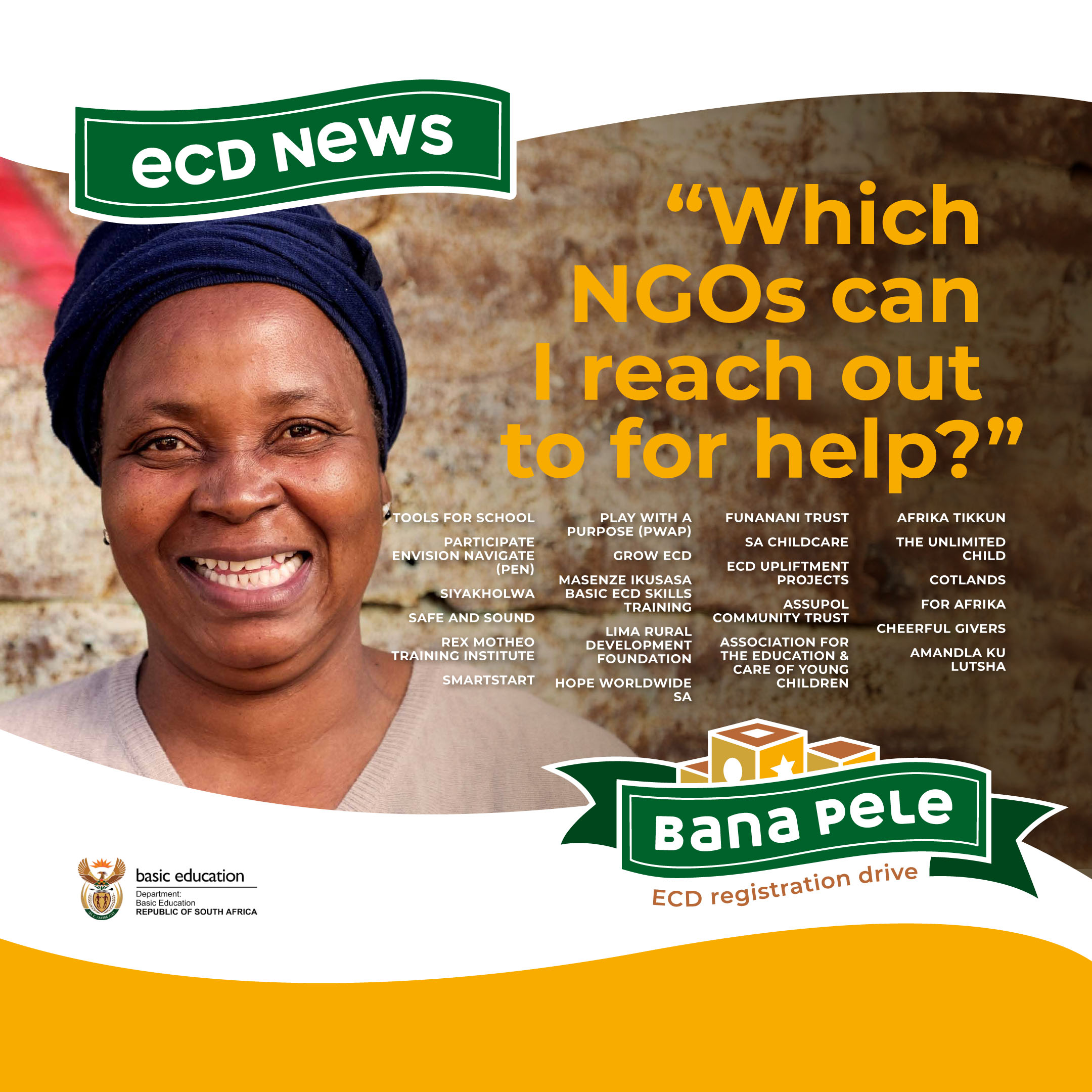
| Which NGOs can help me apply in Gauteng? | Image | |
| Why Bana Pele Registration Drive? | Image | |
| eCares user support contacts and support levels | Document | |
| How to do the final approval rejection of registration applications | Document | |
| How to do the first review of registrations as an administrator | Document | |
| How to do the second review of registration applications | Document | |
| How to process ECD registration application | Document | |
| How to review documents as a reviewer | Video | |
| How to review documents as an administrator | Video | |
| How to view approved applications and how to generate Bronze registration certificate | Document | |
| Introduction to eCares | Document | |
| Refresher training for ECD registration review and approvals | Document | |
| Registration Application Platform FAQs | Document | |
| Tips on how to review uploaded documents | Document |